
LOCAL LIVE VENUE PLAYER
Livenue Player
Your songs,
live from the venue.
Hear the songs you know come alive with the energy of the crowd. From concert halls to stadiums, the venue's sound and the cheers are in your hands.
Arena is free, with no limit on the number of songs.
For iPhone and iPad · iOS / iPadOS 17 or later
Works with purchased songs, CD rips, and audio files (Apple Music subscription songs aren't supported). All processing happens on your device, and your music is never uploaded.
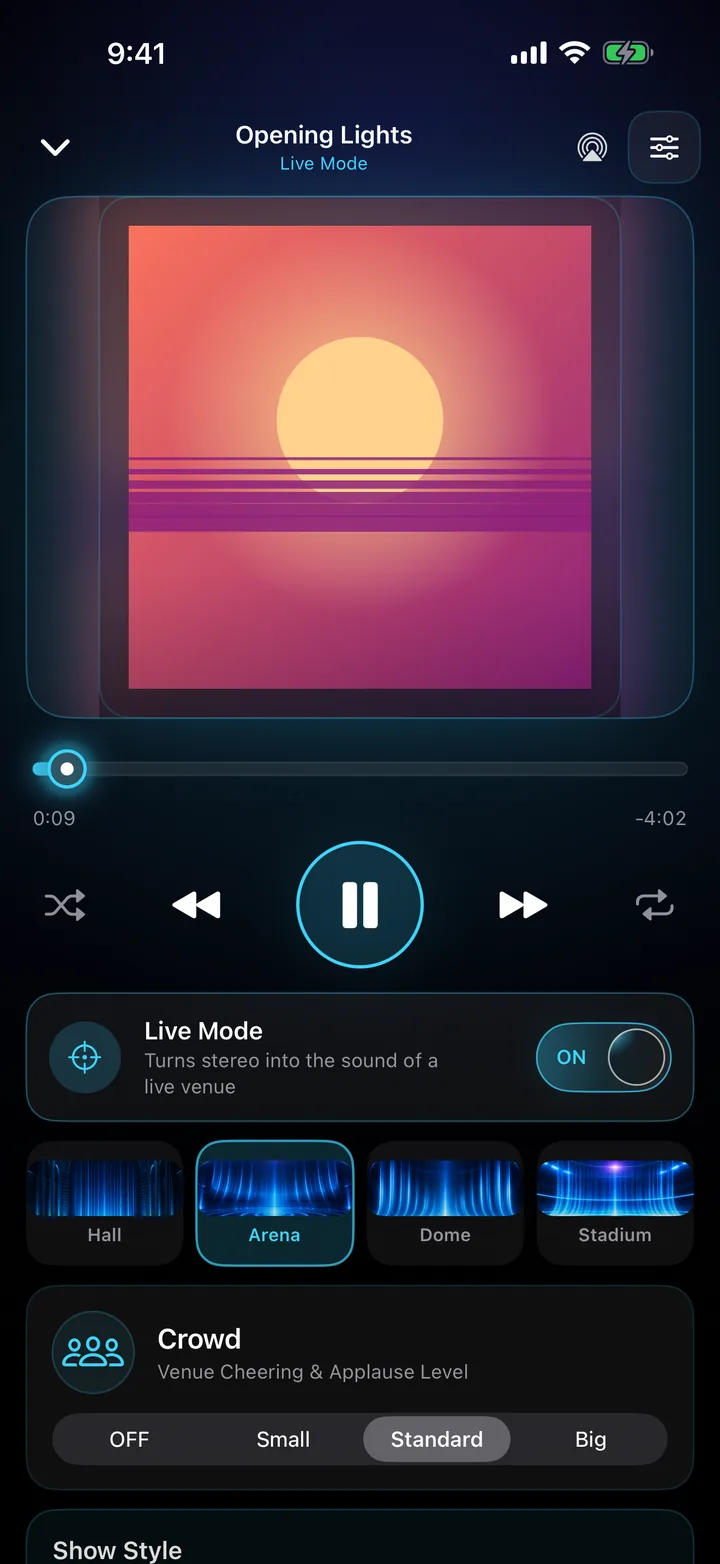
Hear the difference between a hall, an arena, a dome, and a stadium.
Four crowd levels and four show styles shape how the audience reacts.
Applause between songs recreates the flow of a show. (Pro)
Processing and analysis run on your device. Your music is never uploaded.
HEAR THE DIFFERENCE
Hear it in 10 seconds.
The same 10 seconds of the same song, in normal playback and in Arena. Switch while it plays to hear the venue acoustics and the crowd. Headphones recommended.
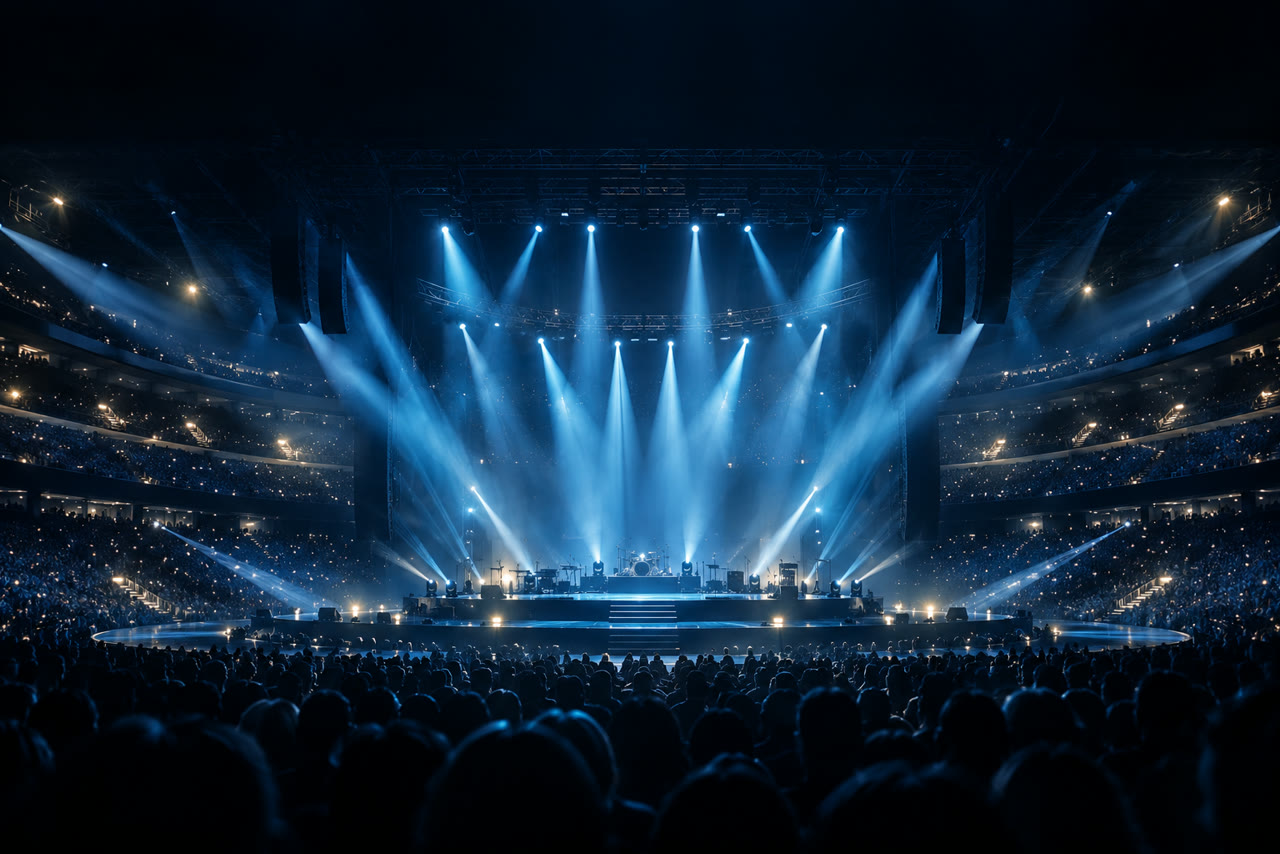
Rendered in Livenue (Arena: Small crowd / Standard Live). Music: “Learn to Fly” — Josh Woodward / CC BY 3.0 US / Comparison details
ABOUT
What is Livenue?
Livenue is a music player app for iPhone and iPad that plays the songs you already own as if you were in the crowd at a live venue. It layers sound from a stage in front of you, venue reverb, and a cheering, applauding audience onto stereo songs, right on your device, and lets you switch between the acoustics of four venues: Hall, Arena, Dome, and Stadium.
HOW IT WORKS
Three steps to a seat in the crowd.
- 1Pick a song
Choose a song straight from your device's music library, or add audio files from Files or via AirDrop.
- 2Turn on Live Mode
The stage, venue reverb, and crowd are applied all at once.
- 3Choose a venue and crowd
Match the sound and the crowd's energy to the song and your mood.
EXPERIENCE
Turn on Live Mode, and you're in the crowd.
A wall of sound from the stage, the long reverb of the venue, and cheers rising all around you. Songs you know turn into a live venue sound. Switch venues and crowds anytime while you listen.
VENUES
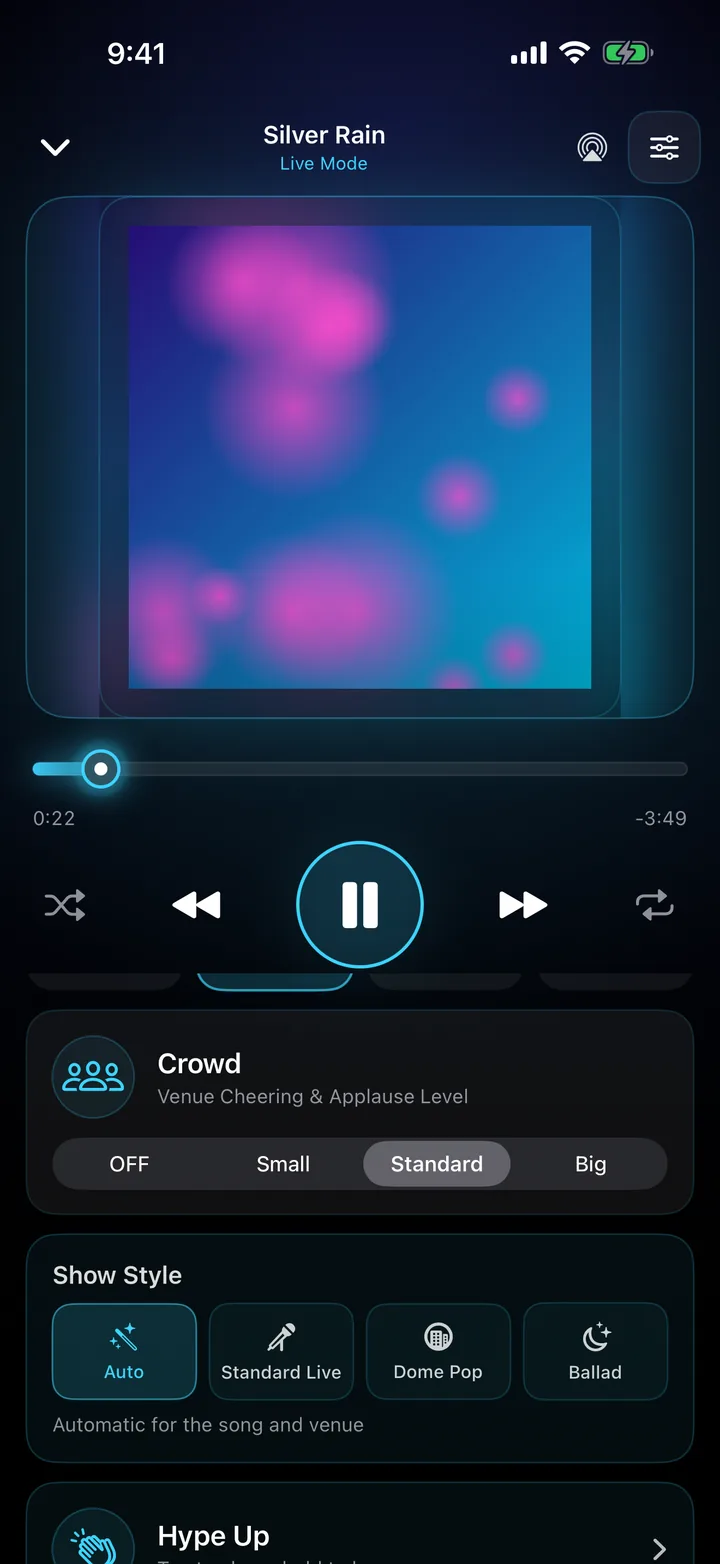
A new venue makes the same song a different night.
How long the reverb lasts, how far away the stage feels, how thick the cheers are around you. Pick from four venues to suit your mood. You can also try Pro venues for 30 seconds with the song you're listening to and compare them with Arena.
 PRO
The natural reverb of a concert hall
 FREE
A wide, spacious sound like a seat in the middle of an arena
 PRO
A grand, enveloping sound like a vast dome
 PRO
An open sound like a large open-air stadium
IPAD
On iPad, the player stays beside you.
Pick songs while you switch venues and crowd with a single tap. On the larger screen, the Now Playing panel stays at your side, so you can compare sounds without leaving the song.

IPHONE DUO
Unfold it, and the show opens up.
When you unfold iPhone Duo, the inner screen shows your song list and the Now Playing panel side by side. Pick songs while you switch the venue sound and crowd on the spot. Fold it, and you can keep listening on the outer screen.

IMPORT
Made for the music you already own.
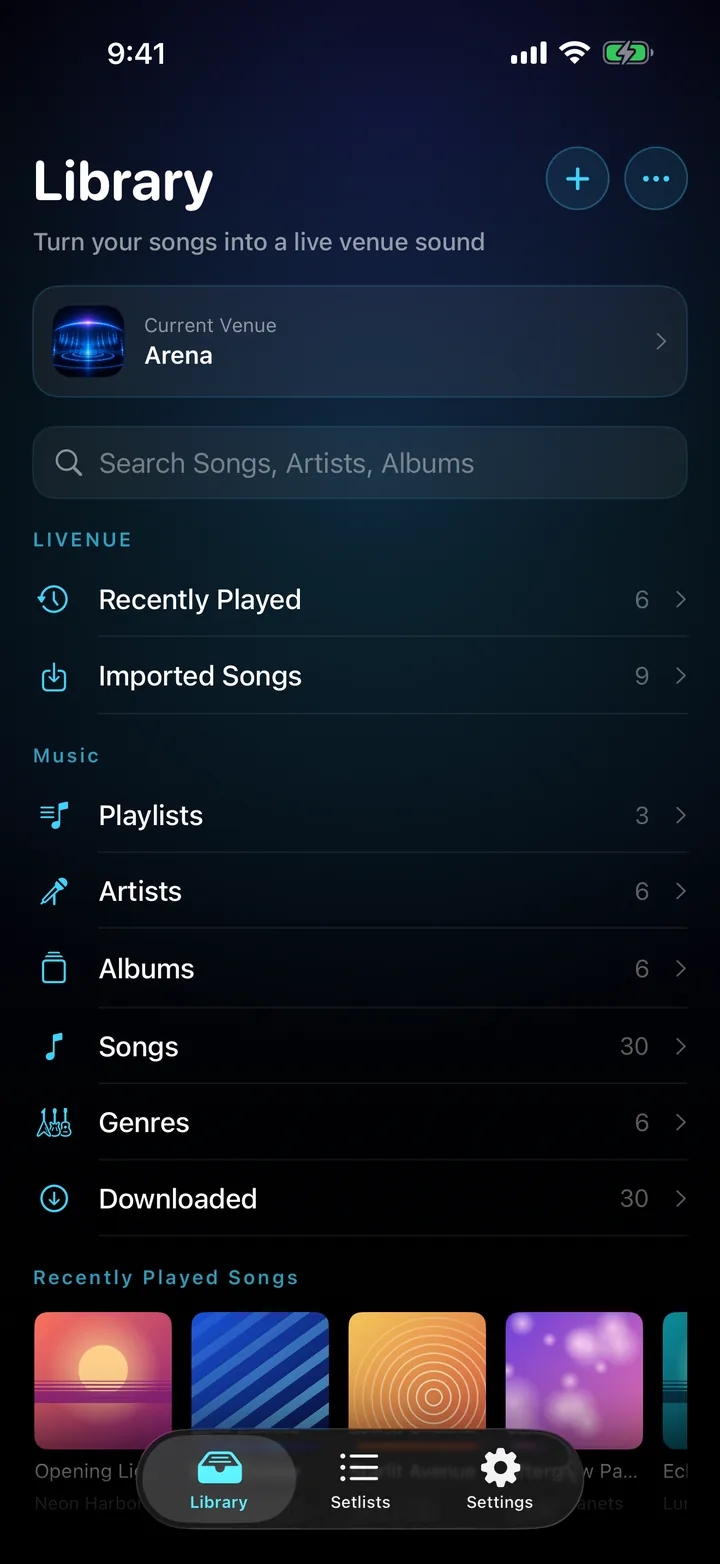
Songs in your music library play directly, with nothing to import (no copies are made in the app). Audio files in Files / iCloud Drive can be imported, and files you AirDrop or place in the “Livenue” folder from a computer (Finder on Mac, the Apple Devices app on Windows) or in Files are added automatically. Your music is never uploaded.
- Songs bought on the iTunes Store and downloaded to your iPhone
- Songs ripped from CDs and synced to your iPhone
- Audio files in Files / iCloud Drive (mp3, m4a, wav, flac, and more)
- Audio files sent via AirDrop, or placed in the “Livenue” folder from a computer (Mac / Windows) or in Files
- Apple Music subscription songs, even when downloaded
- DRM-protected audio
- Songs in the cloud that aren't downloaded to your iPhone
For step-by-step instructions, see How to add music. See the FAQ for details.
PRO
Start in Arena. Go further with Pro.
Enjoy live playback in Arena for free, with no limit on the number of songs. Cheers, applause, and importing from Files or via AirDrop are free too. A one-time Pro purchase adds the sound of Hall / Dome / Stadium, saved setlists with continuous live playback, and importing from shared links. Try any Pro venue for 30 seconds with your own song before you buy. There's no subscription.
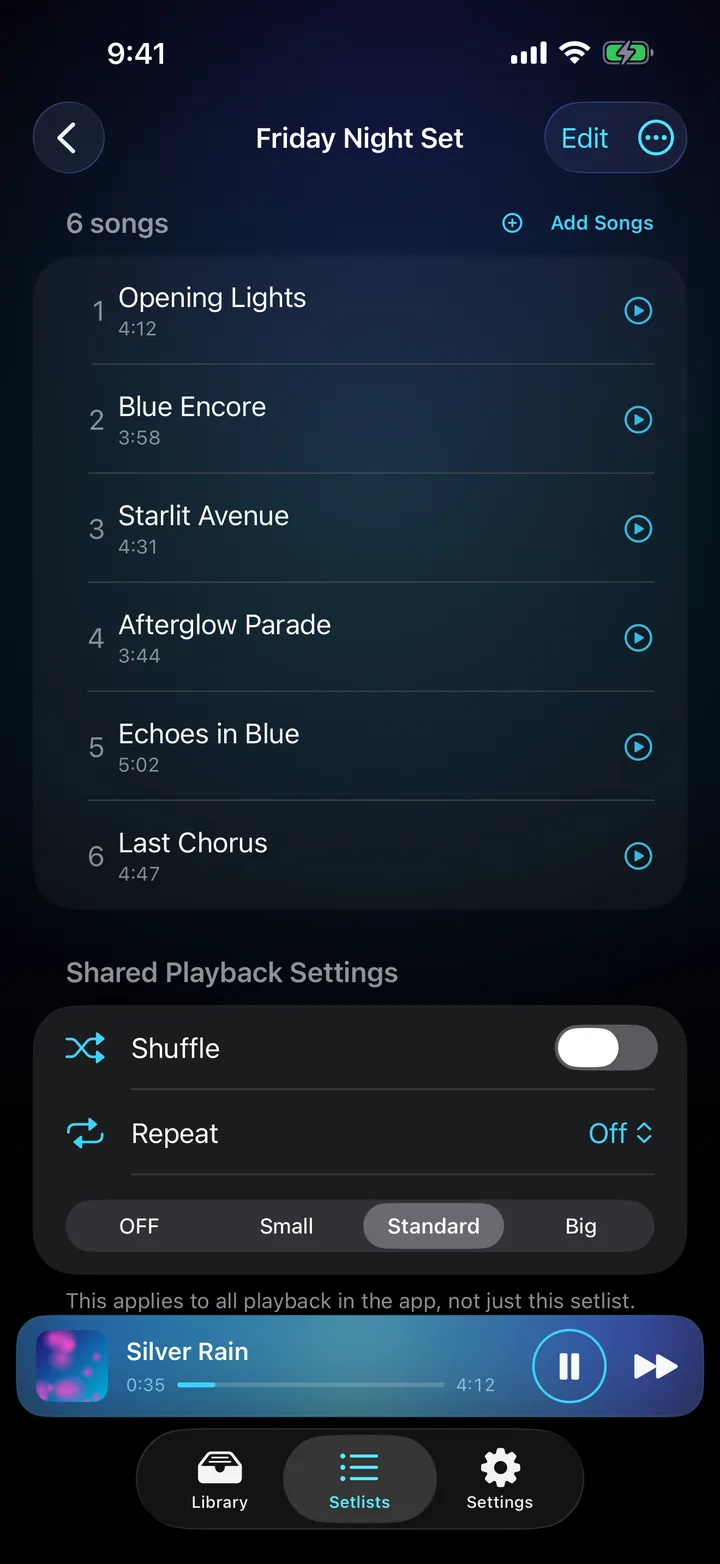
SetlistsLine up the running order of a show you love and play it from start to finish. When a song ends, applause fills the venue, and the next song begins as it fades.
SUPPORT
FAQ
What audio can I use?
Songs downloaded to your iPhone, such as iTunes Store purchases and CD rips, play directly. Audio files in Files / iCloud Drive can be imported.
Can I use streaming subscription songs?
No. Subscription songs from services like Apple Music aren't supported, even when downloaded. DRM-protected audio isn't supported either.
Does it work on iPad or iPhone Duo?
Yes. Livenue supports iPad with iPadOS 17 or later, and both the inner and outer screens of iPhone Duo. On larger screens, a panel for switching venues and crowd stays beside you while you listen.
Where does the processing happen?
All audio processing and caches stay on your device.
Can I restore Pro?
Yes. Tap Restore Purchases on the Pro screen.
Your next show starts in your library.
Your songs, wrapped in the sound of the venue and the roar of the crowd. Start free in Arena.